How it Works
HOW IT WORKS
Simple Steps to Get Started
Follow a few easy steps to book your ride, track your journey, and reach your destination safely and comfortably. First, choose the service you need and select your preferred options. Next, confirm your booking and receive instant updates about your driver or itinerary.
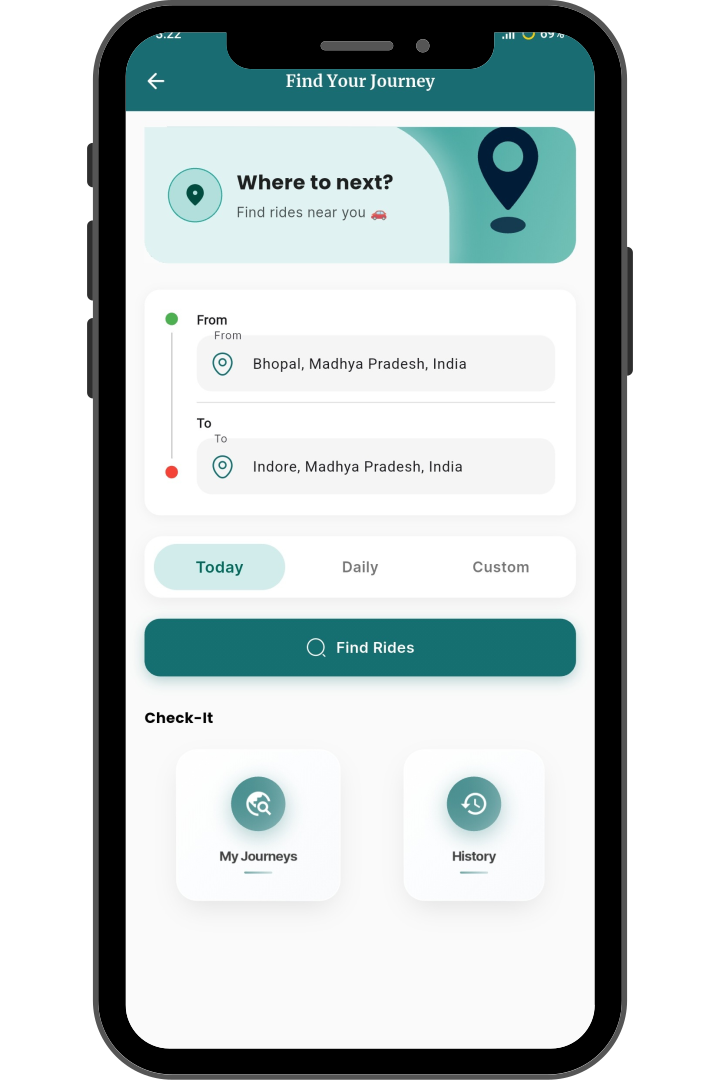
Book Your Ride
- Choose Ride Type
Select from Sharing buddy rides according to your preference.
- Set Pickup & Drop Locations
Enter the pickup and drop-off points. Save frequent routes for faster booking next time.
- Find Nearby Drivers
View available drivers near your pickup location to book a ride quickly.
- Pick Day & Time
- Confirm Seats & Fare
- Payment via Wallet or Card
- Receive Ride Confirmation
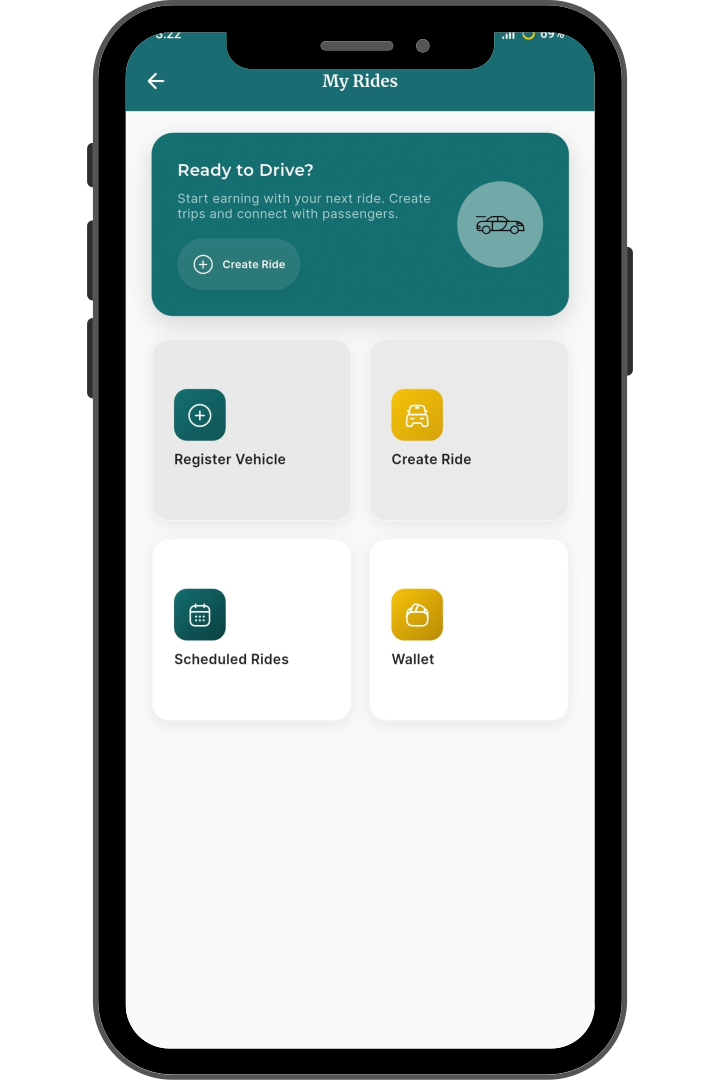
Publish a Ride in Simple Steps
- Driver Verification
Verify drivers using government-issued IDs to ensure safety and trustworthiness.
- Fill Ride Details
Enter your vehicle details, route, date, time, available seats, and fare to publish the ride.
- Set Pickup & Drop Locations
- Confirm Seats & Fare
- Manage Payments via Wallet
- Ride Published & Live
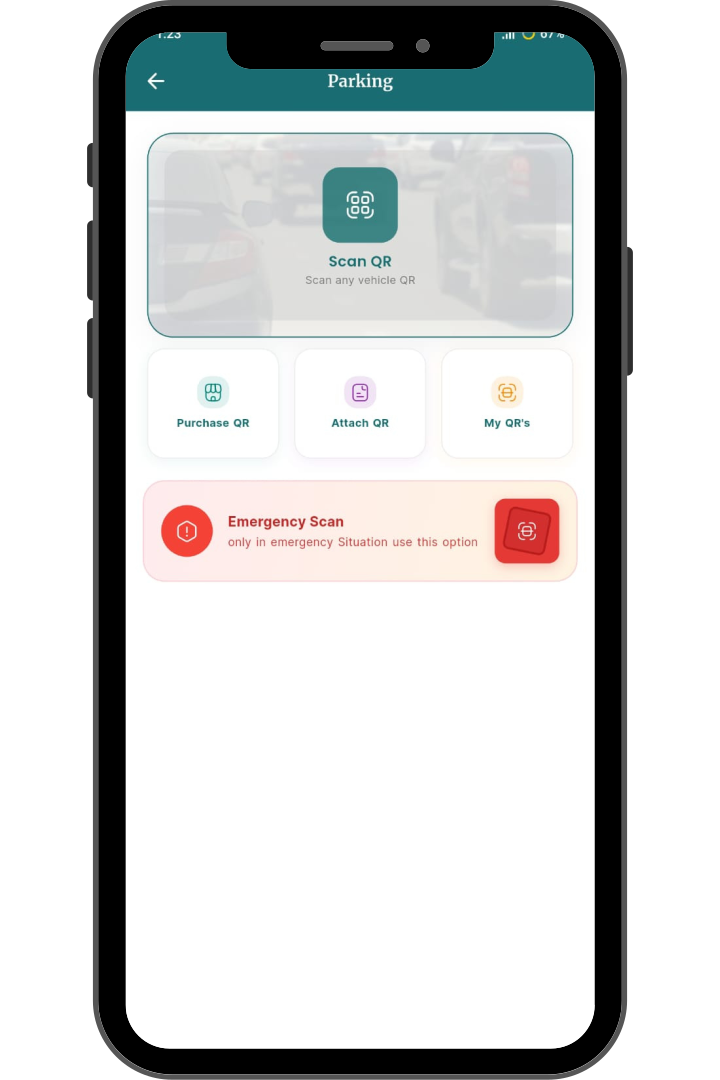
Smart QR Scan for Parking & Emergency Assistance
- Easy QR Setup
Purchase a QR code from the app and stick it on your vehicle for instant accessibility.
- Scan & Connect Instantly
Anyone can scan the QR code using the app to send you a message without needing your phone number.
- Emergency Alert System
In case of accident or urgent situations, users can trigger an emergency alert via QR scan.
- Smart & Secure Communication
- Instant Parking Resolution
- No Phone Number Needed
- Stick, Scan & Connect
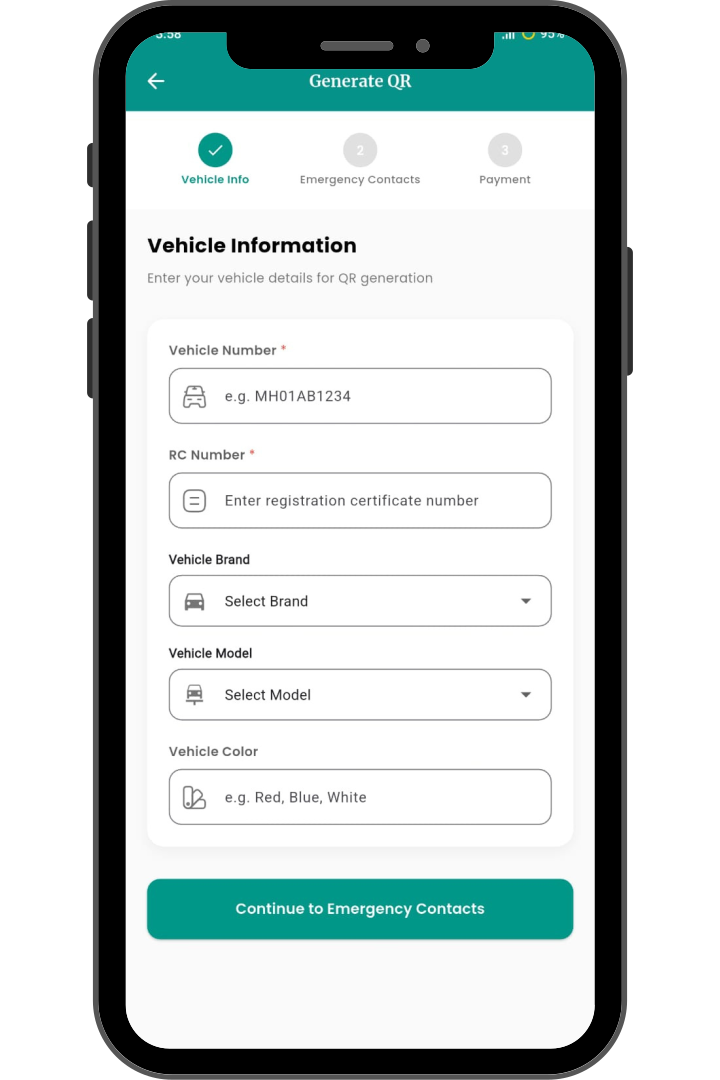
Purchase Parking Resolution QR for Your Vehicle
- Vehicle Information
Enter your vehicle number and RC details to begin generating your parking QR code.
- Vehicle Specifications
Select your vehicle brand, model, and color as shown on your vehicle documents.
- Emergency Contact Details
- Review Vehicle Information
- Secure Payment for QR
- Download & Use Parking QR
Parking Solution